ChatGPT vs Julius AI for Data Analysis: Which Is Better in 2026?
We tested both on the same dataset. The answer is not what either marketing page will tell you — they’re both chatbots, they both fall into the same trap, and the tool you actually want for defensible analysis is neither of them.
- Julius AI — cleaner UX for non-technical users, polished chart rendering, no code cleanup needed.
- ChatGPT Advanced Data Analysis — more flexible, better follow-up conversation, ChatGPT-quality reasoning.
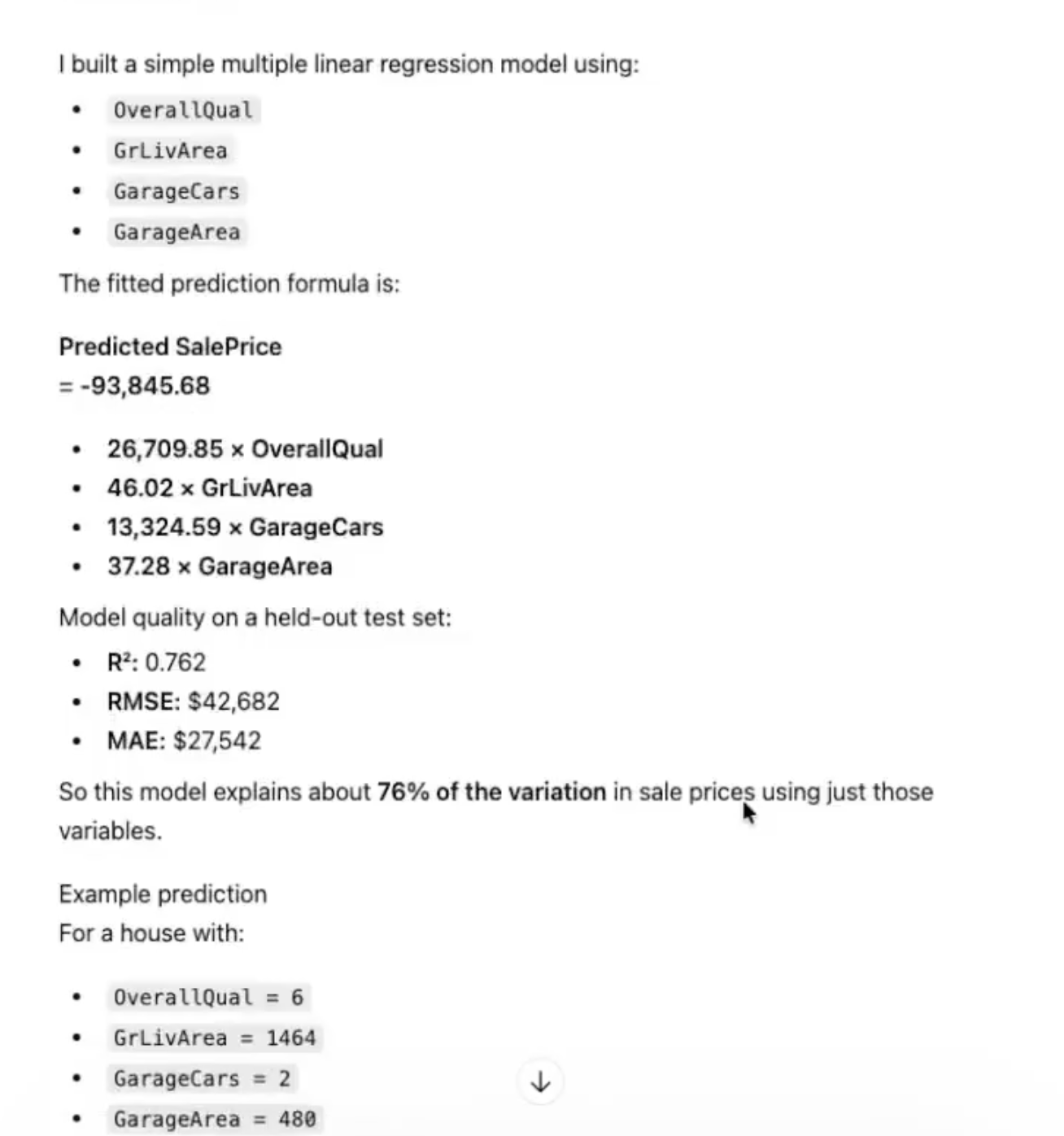
- Neither produces analyst-grade output. Both skip profiling, cleaning documentation, comparison groups, feature engineering, limitations. The output looks polished and falls apart under scrutiny.
- The alternative that does both jobs right: PlotStudio AI — runs locally, profiles on upload, documents everything, exports a reproducible notebook.
The Shared Trap
Both ChatGPT and Julius AI are chatbots. You upload a CSV, ask a question, get an answer. That’s the entire paradigm. Which means both inherit the same limitations — summaries, not analyses. Here is what both skip:
- Structured profiling on upload (data quality, missingness classification).
- Documentation of cleaning decisions with row counts.
- Explicit comparison groups and proportional statistics.
- Appropriate feature engineering (interaction terms, polynomial features).
- Multicollinearity checks.
- Limitations and sample-size caveats.
- Reproducible code export.
If any of those matter for your output, both tools fail the same bar. The question isn’t "ChatGPT or Julius" — it’s "is a chatbot the right shape of tool for this job?"
Where They Differ
Julius AI’s Advantages
- Non-technical users get going faster — no "run this cell" friction.
- Chart output is prettier out of the box.
- Workspace-style UX that’s friendlier than a chat stream.
ChatGPT’s Advantages
- The conversational reasoning is noticeably stronger.
- Follow-up questions work better — you can pivot a thread.
- Massive general-knowledge context (ChatGPT can explain what a Cox regression is; Julius stays focused on your CSV).
- Tight integration with the rest of the ChatGPT product (files, projects, memory).
The Third Option
If the reason you’re comparing ChatGPT and Julius is that the analysis needs to be defensible, you’re looking at the wrong category. A purpose-built agentic analytics tool does what both chatbots skip: profile, clean, compare, caveat, document.
PlotStudio AI (the tool we built) runs the full analyst workflow on your CSV locally. You upload; 35 seconds later there’s a data quality score, missingness classification, and suggested questions. Ask a question and it plans a multi-step investigation, writes and runs the code, interprets the results in business language, and caveats the output. Everything exports to a Jupyter notebook.
The honest framing is not "ChatGPT vs Julius." It’s "chatbot vs analyst tool." Pick the shape of tool first; then pick the vendor.
How to Pick Between the Three
- Throwaway question, don’t care about defensibility: ChatGPT or Julius, coin flip.
- Need it pretty for a client deck: Julius (chart output).
- Want the flexibility of follow-up conversation: ChatGPT.
- Output has to hold up to scrutiny: PlotStudio AI.
- Sensitive data: PlotStudio AI (only local option).
- Budget: $0: Julius free tier or PlotStudio free trial.